Reception & Parties
Best Wedding Guest Photo Apps 2026: Top Platforms for Sharing Guest Photos
Your guests collectively capture thousands of candid moments your photographer cannot see simultaneously. The right wedding guest photo app collects them all — no logins, no frustration, and no waiting weeks for a flash drive. Here are the six best platforms for 2026, honestly ranked.
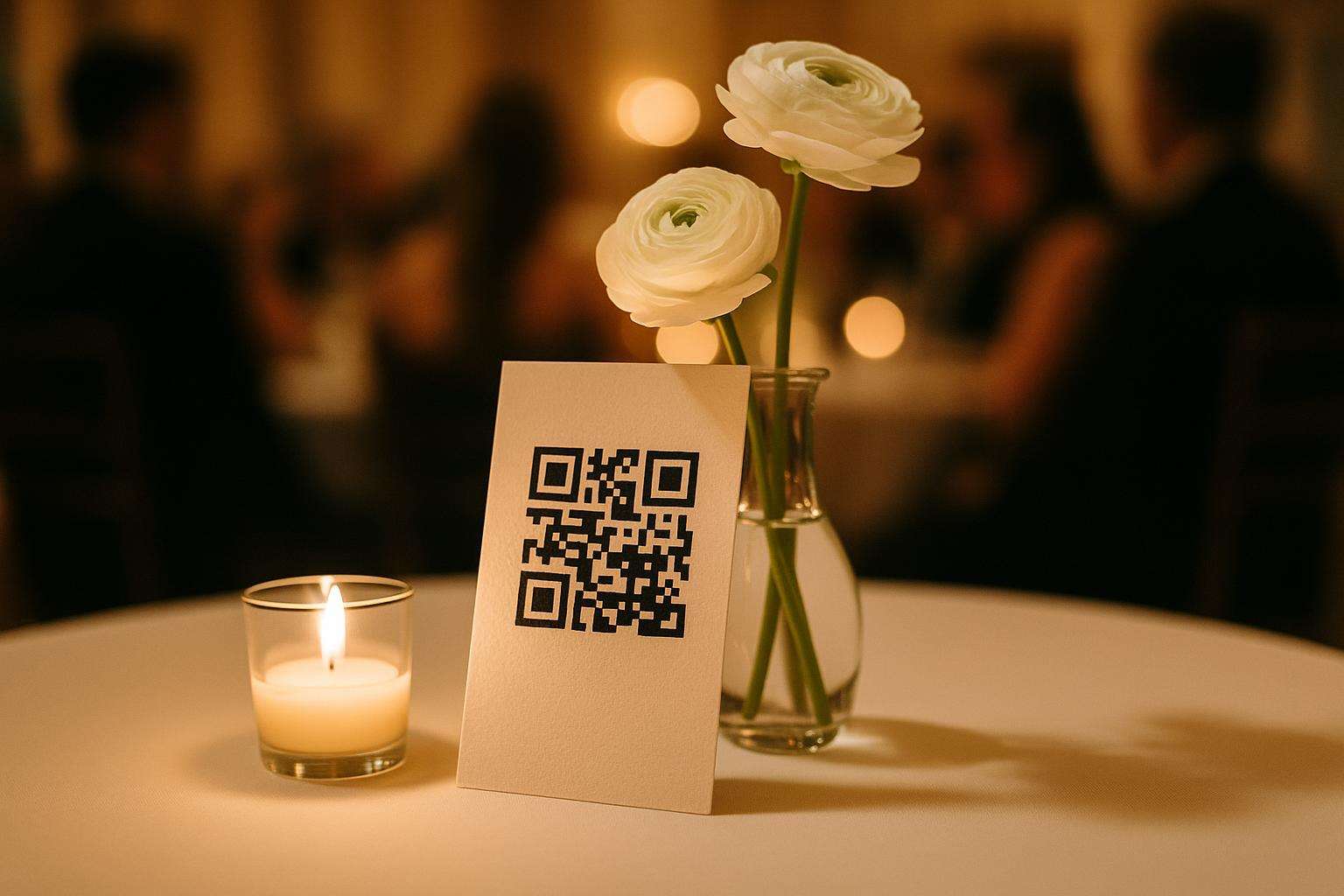
QR code uploadNo app downloadLive slideshowAI photo findingAudio guestbookFree tier available
The quick verdict
Browser-based QR code platforms collect 3 to 6 times more guest photos than app-required platforms. Here are the six best options for 2026 — honestly ranked with real pricing, genuine strengths, and the weaknesses no one advertises.
- Best overall
- GuestCam — The longest storage window (up to 14 months), the most flexible sub-gallery structure for multi-day weddings, AI MagicFind face recognition, and zero friction for guests — browser-based with no account required. Consistently rated 4.9 out of 5 by event hosts.
- Best value
- Wedibox — At $49 for the Wedding tier, Wedibox includes unlimited photo and video uploads, an audio guestbook, a live slideshow, and a shared music playlist — more wedding-specific features per dollar than any competing platform at this price point.
- Best for Couples who want a playful, nostalgia-driven experience
- Lense — The digital disposable camera concept limits guests to a set number of shots per person, creating intentional, curated uploads rather than a flood of duplicates — and the retro aesthetic resonates with couples who want a film-inspired guest experience.
How we evaluated
These six platforms were selected and ranked based on a cross-reference of independent comparisons from Fotify Blog, Easy Wedding Album, Guesticon, Honcho, and GuestCam's own platform comparison — all published or updated in 2025 to 2026. Evaluation criteria included: guest friction (is an app download required?), participation rates (documented or estimated), pricing transparency, storage duration, wedding-specific features (audio guestbook, live slideshow, AI moderation), and real user ratings where available. Platforms requiring mandatory app downloads were excluded from the primary rankings based on documented participation rate disadvantage. Pricing reflects publicly available plans as of June 2026; always verify current pricing directly with the platform before booking.
- Guest friction. Can guests upload without downloading an app or creating an account? Platforms requiring app downloads receive a significant participation rate penalty in real-world settings.
- Participation rate. Documented or estimated percentage of guests who actually upload when the platform is actively promoted at a reception.
- Pricing transparency. Is the wedding-tier price clearly stated without requiring a demo or sales call? Hidden pricing is a red flag for budget planning.
- Storage duration. How long are photos accessible after the wedding? For anniversary viewing, honeymoon sharing, and late-arriving guests, longer storage is meaningfully better.
- Wedding-specific features. Does the platform include features designed for weddings — live slideshow, audio guestbook, sub-galleries — rather than generic event photo sharing?
Rating scale: Items rated 1.0–5.0 across Guest Friction, Feature Set, Pricing Value, Participation Rate, and Storage Reliability.
Last verified .
At a glance
| # | Name | Rating | Best for | Pricing |
|---|---|---|---|---|
| 1 | GuestCam | 4.9 | Multi-day wedding weekends; couples with large guest lists; anyone who wants AI-assisted photo finding | Free – $49 |
| 2 | Wedibox | 4.7 | Couples who want clear, flat-rate pricing and a full suite of wedding-specific features including an audio guestbook | $49–$79 one-time |
| 3 | Lense | 4.4 | Couples with a film-photography aesthetic who want curated, intentional guest images rather than maximum volume | Pricing on request |
| 4 | Fotify | 4.3 | Couples who want to consolidate wedding planning tools and photo sharing on a single platform | $49.99 (Premium) |
| 5 | Kululu | 4.2 | Couples whose venue has smart display infrastructure and who want a live slideshow running on a cast device | Pricing on request |
| 6 | Waldo Photos | 4.1 | Large weddings (150+ guests) where personalized photo delivery adds meaningful value over shared gallery browsing | Pricing on request |
GuestCam
The most complete wedding photo-sharing platform for multi-day celebrations
Editor's pick
GuestCam is the platform that consistently ranks highest across independent comparisons for multi-day wedding weekends and couples who want maximum flexibility in how they organize and access guest photos. Guests scan a QR code and upload directly from their browser — no account, no password, no app download. The gallery remains open for up to 14 months, allowing guests who missed the reception to add photos from the welcome dinner or morning-after brunch at their own pace. The platform's standout feature is MagicFind, an AI-powered face recognition tool that allows guests to upload a selfie and instantly locate every photo in the gallery in which they appear. For a couple navigating a gallery of 1,500 photos from 150 guests, MagicFind transforms the experience from overwhelming scroll to curated personal collection. Sub-galleries — separate QR-coded albums for rehearsal dinner, ceremony, reception, and farewell brunch — allow couples to maintain organization across a full wedding weekend without creating separate accounts. The live slideshow feature displays guest uploads in real-time on a screen during the reception, which creates a feedback loop: guests see their photos appearing and upload more. GuestCam is rated 4.9 out of 5 across verified event host reviews, with reviewers specifically citing ease of guest use and the MagicFind feature as primary value drivers. The audio guestbook records voice messages from guests alongside their photos — a feature that produces some of the most emotionally resonant keepsakes many couples describe from their wedding day.
Strengths
- Longest storage window in the category — up to 14 months — accommodates late uploads and anniversary revisiting
- MagicFind AI face recognition transforms a large gallery into a personally curated collection for each guest
- Sub-gallery structure is uniquely well-suited to multi-day wedding weekends, rehearsal dinners, and welcome events
Weaknesses
- The feature depth means the setup process requires more configuration than simpler platforms — couples who want a two-minute setup experience may find GuestCam's options mildly overwhelming
- Best for
- Multi-day wedding weekends; couples with large guest lists; anyone who wants AI-assisted photo finding
- Pricing
- Free – $49
Wedibox
The most wedding-specific feature set at the clearest price point
Wedibox has grown to serve over 100,000 events and has been featured on The Knot and WeddingWire — credibility markers that reflect its genuine popularity among brides who discover it through wedding planning research rather than tech forums. The platform's core value proposition is simplicity at scale: guests scan a QR code, upload photos and videos directly in the browser without any account creation, and their contributions appear in a shared gallery the couple can access immediately. But Wedibox layers on genuine wedding-specific features that separate it from generic event photo platforms. The audio guestbook — in which guests record short voice messages alongside their photos — is consistently cited by couples as one of the most treasured digital keepsakes from their wedding day. A shared music playlist allows guests to add song requests directly to the platform, which functions as a clever DJ crowdsourcing tool. A live slideshow displays uploads in real time, providing a dynamic visual backdrop during cocktail hour or reception. The $49 Wedding tier unlocks unlimited photo and video uploads, audio guestbook, live slideshow, and ZIP download of the full gallery, with a six-month upload window and one-year storage. The $79 All-In-One tier extends the upload window to twelve months and storage to two years. Wedibox's one documented limitation is moderation: the platform relies on manual moderation only, without AI content filtering. For most weddings this is inconsequential; for very large weddings or events where uninvited guests might access the QR code, an AI-moderated platform may be preferable.
Strengths
- Audio guestbook feature captures voice messages alongside photos — one of the most emotionally valuable wedding-day keepsakes in any platform
- Transparent, flat-rate pricing with no per-photo charges or surprise overages
- Featured on The Knot and WeddingWire; 100,000+ events hosted confirms real-world reliability
Weaknesses
- Manual moderation only — no AI content filtering, which may be a concern for very large or semi-public weddings where QR code access cannot be fully controlled
- Best for
- Couples who want clear, flat-rate pricing and a full suite of wedding-specific features including an audio guestbook
- Pricing
- $49–$79 one-time
Lense
A digital disposable camera that makes guest photos intentional and joyful
Lense occupies a unique and deliberately narrow space in the wedding photo app market: rather than maximizing the number of photos collected, it intentionally constrains them. Guests scan a QR code to access a digital disposable camera interface that limits them to a set number of shots — decided by the couple at setup. This design choice produces dramatically different guest behavior than unlimited upload platforms. Because each shot counts, guests take more considered photographs: they wait for the right moment, frame their composition, and capture something genuinely meaningful rather than uploading twelve near-identical shots of the centerpiece. The resulting gallery is smaller but remarkably more curated. Lense's aesthetic aligns with the film and analog photography trend that has dominated wedding photography for several years — grainy, warm, slightly imperfect images that feel intentionally vintage rather than digitally polished. For couples whose photographers are already shooting in a film-inspired style, Lense's guest photos harmonize with the professional gallery rather than clashing with it. The live slideshow feature displays guest captures during the reception, which creates a playful discovery moment as images appear. Lense may involve optional app functionality for the full feature experience — verify the current browser-versus-app configuration before booking, as this affects participation rates meaningfully. Pricing is not prominently advertised on their public website; request a direct quote.
Strengths
- Limited-shot constraint produces intentional, curated guest photography rather than a flood of duplicates
- Film-inspired aesthetic creates visual harmony with couples already working with film photographers
- Playful concept that guests find engaging and novel — participation is driven by curiosity
Weaknesses
- Limited-shot model may frustrate guests who want to upload multiple moments; couples should brief guests that this is intentional
- Pricing is not publicly listed — requires contacting Lense directly, which introduces friction in the comparison process
- Best for
- Couples with a film-photography aesthetic who want curated, intentional guest images rather than maximum volume
- Pricing
- Pricing on request
Source: Best Wedding Photo Sharing Apps 2026: 10 Platforms Compared
Fotify
All-in-one wedding management and photo sharing on a single platform
Fotify differentiates itself from pure photo-sharing platforms by integrating RSVP management, digital invitations, guest tracking, and custom forms into the same platform as its photo-sharing gallery — making it a potential single-tool solution for couples who want to manage multiple planning functions in one place. Its $49.99 Premium plan bundles all of these features, which compares favorably in value terms against assembling separate tools. The photo-sharing component is browser-based and QR-code-driven, with no app download required from guests. AI content moderation — a feature that automatically flags inappropriate uploads before they reach the gallery — is included in the Premium plan, addressing the content control gap that Wedibox leaves open. The live slideshow and guest notification features are standard. Fotify's potential limitation is complexity: couples who simply want a clean, focused photo-sharing experience may find the additional features create more interface than they need. The platform's value proposition is strongest for couples who are actively using multiple planning tools and are willing to consolidate them.
Strengths
- Combines RSVP management, invitations, and photo sharing in one platform — consolidation value for couples using multiple tools
- AI content moderation included in Premium plan — addresses the photo moderation gap at this price tier
- Clear, single-plan pricing at $49.99 with no per-event or per-photo charges
Weaknesses
- Feature breadth may feel like unnecessary complexity for couples who simply want a clean photo-sharing solution — the planning tools add interface that pure photo platforms do not
- Best for
- Couples who want to consolidate wedding planning tools and photo sharing on a single platform
- Pricing
- $49.99 (Premium)
Source: Best Wedding Photo Sharing Apps 2026: 10 Platforms Compared
Kululu
Exceptional live slideshow support including Apple TV and Chromecast
Kululu is a clean, well-regarded QR-based guest photo platform whose most distinctive feature in 2026 is its live slideshow compatibility with Chromecast and Apple TV — a meaningful practical advantage for venues that have installed smart display systems or for couples who are setting up a dedicated reception screen. Where many platforms require a laptop or specific hardware for slideshow display, Kululu's Chromecast and Apple TV support allows the reception slideshow to run directly from a cast device, simplifying setup and reducing the technical dependency on a coordinated laptop-and-HDMI configuration. AI content moderation was added to Kululu in August 2025, making it the newest addition to the platform's feature set and addressing a gap that existed in earlier versions. The platform's interface emphasizes simplicity for guests — QR scan, upload, done — and the user experience is described across reviews as one of the most friction-free in the category. Pricing is not publicly listed on Kululu's primary marketing pages; the platform operates on a tiered pricing model that requires setup to confirm costs. Verify current pricing before budgeting.
Strengths
- Chromecast and Apple TV support for live slideshow makes it the most flexible reception display option in this comparison
- AI content moderation added August 2025 — the platform has been actively improving its feature set
- User experience reviews consistently cite exceptional ease of use for guests across all age groups
Weaknesses
- Pricing is not publicly transparent — couples must go through a signup flow to see costs, which complicates direct comparison
- Best for
- Couples whose venue has smart display infrastructure and who want a live slideshow running on a cast device
- Pricing
- Pricing on request
Source: 12 Best Wedding Photo Sharing Apps to Collect Guest Photos 2026
Waldo Photos
AI facial recognition delivers photos directly to each guest
Waldo Photos takes a uniquely guest-centered approach to wedding photo sharing: rather than building a central gallery that all guests browse together, it uses AI facial recognition to identify each person in the uploaded photos and deliver only the photos featuring that specific guest directly to their phone. The experience for guests is personalized — you receive photos of yourself from the wedding, not a scroll through 1,500 images looking for the three moments you appear in. This model works exceptionally well for large weddings with hundreds of guests where individual photo discovery in a shared gallery is impractical. The platform's Object Recognition Search, launched in January 2026, adds the ability to search the gallery by visual elements — searching for "roses" or "dance floor" returns all photos containing those elements — creating a powerful discovery tool for couples reviewing their gallery. Waldo Photos requires a more active setup from the couple, who need to upload seed photos of guests for the facial recognition system to train on. For privacy-sensitive couples or Orthodox Jewish weddings where photography of certain guests is restricted, this system requires careful management. Pricing is market-based and not publicly listed; contact Waldo Photos directly for current event pricing.
Strengths
- Personalized photo delivery via AI facial recognition is a genuinely differentiated experience — guests receive their photos without searching
- Object Recognition Search (January 2026) adds powerful visual gallery navigation for couples and guests
- Scales exceptionally well for very large weddings (200+ guests) where shared-gallery browsing becomes impractical
Weaknesses
- Requires couples to upload seed photos of guests for facial recognition training — adds setup complexity; also raises privacy considerations for guests who did not consent to facial recognition processing
- Best for
- Large weddings (150+ guests) where personalized photo delivery adds meaningful value over shared gallery browsing
- Pricing
- Pricing on request
Frequently asked
Why do so many wedding photo apps fail to collect guest photos?
The answer is almost always friction. Industry comparisons consistently show that the majority of wedding guests will not download a dedicated app — even if asked by the couple, even with a sign at every table, even with the DJ announcing it three times. The reason is behavioral: asking someone to download, create an account, and navigate an unfamiliar interface in the middle of a reception they are actively enjoying is simply too many steps. Browser-based platforms that require only a QR code scan achieve dramatically higher participation, with several platforms estimating three to six times higher engagement compared to app-required solutions. The single most effective design principle in wedding guest photo sharing is zero friction: guests point their phone at a QR code, take a photo or select one from their camera roll, and upload in seconds.
How do you maximize guest participation with a wedding photo app?
Four actions most reliably increase participation. First, print the QR code everywhere — table cards, bar signage, ceremony programs, the photo booth backdrop, and the welcome table, not just in one spot. Second, have the DJ or MC announce the photo app explicitly, by name, at least twice during the reception, ideally once after cocktail hour and once after dinner. Third, choose a platform that requires no app download or account, only a QR code scan, because every extra step sheds guests. Fourth, brief two or three engaged members of your wedding party to demonstrate the platform early in the evening. Social contagion is real: when guests see others uploading and watch those photos appear on a live slideshow, participation accelerates noticeably across every age group present.
Is it safe to share your wedding photos on these platforms?
The platforms reviewed here store photos in private, link-protected or password-protected galleries that are not publicly searchable, so the QR code or link is accessible only to people you share it with. Privacy standards still vary meaningfully, and couples with concerns should check two specific features: whether the host can moderate uploads before other guests see them, which matters if you want control over the live slideshow, and whether the platform's terms prohibit using guest photos for its own marketing without written consent. GuestCam, Wedibox, and Fotify all carry explicit no-third-party-use policies in their current terms. For very large, high-profile, or faith-tradition weddings where photography privacy is culturally significant, a private-link platform with host moderation enabled is the most secure configuration you can choose.
Can guests upload videos as well as photos?
Most platforms reviewed here support video uploads, but with practical limits worth understanding before booking. Video files are far larger than photos — a 30-second 4K clip can run 200 to 400MB — which strains upload speeds in venues with weak WiFi and quickly consumes storage on lower-tier plans. GuestCam, Wedibox, and Fotify all support video on their wedding-tier plans, with GuestCam's MagicFind feature designed to help couples locate clips inside a large gallery. Kululu and Waldo Photos offer more limited video handling. If guest video matters to you — particularly for the toasts, the first dance, or the hora — confirm explicitly that your specific plan tier supports video, that your venue has enough WiFi bandwidth, and that the storage allocation will not be exhausted partway through the reception when everyone uploads at once.
Do you need a wedding photo app if you already have a professional photographer?
Yes, because they serve fundamentally different purposes. Your professional photographer captures the formal, composed record of the day: the portraits, the ceremony, the family formals, the first dance, the cake cutting, all shot with intention by one person or a small team. Your guests are everywhere at once — at the bar, at the kids' table, catching your grandmother's expression during the father-daughter dance, photographing your childhood friend's tearful reaction during the vows. Those candid moments from dozens of angles are simply not accessible to any single photographer, no matter how skilled. Guest photo platforms do not compete with professional coverage; they capture an entirely different category of image. The galleries couples treasure most combine the photographer's edited masterwork with the hundreds of raw, joyful candids that only guests can capture.